Getting started
Run your first sponsorship
Last updated · July 19, 2026
From signup to attributed ROI: the whole brand journey, in the order you'll live it. About ten minutes of setup; the deal runs itself from a single room after that.
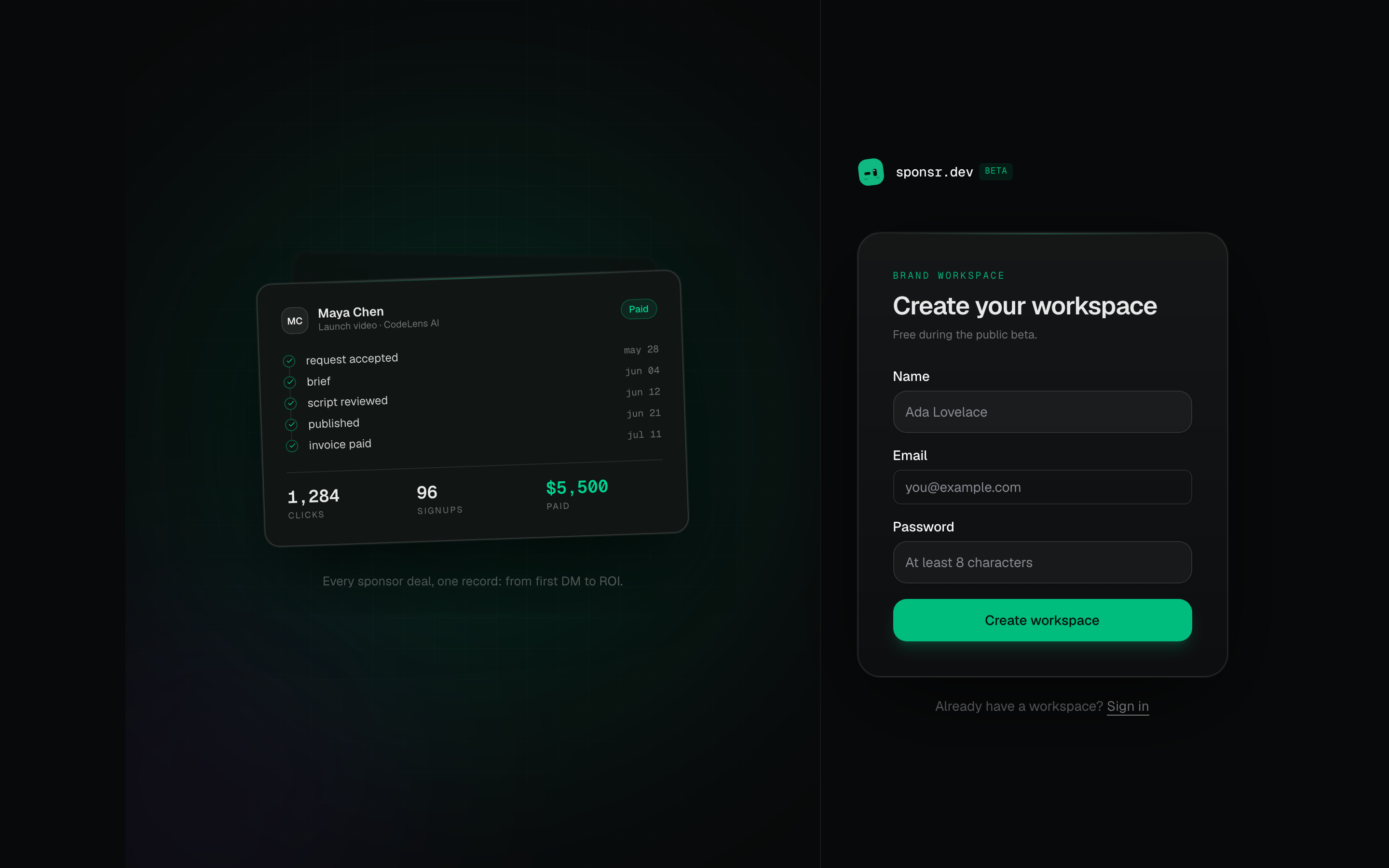
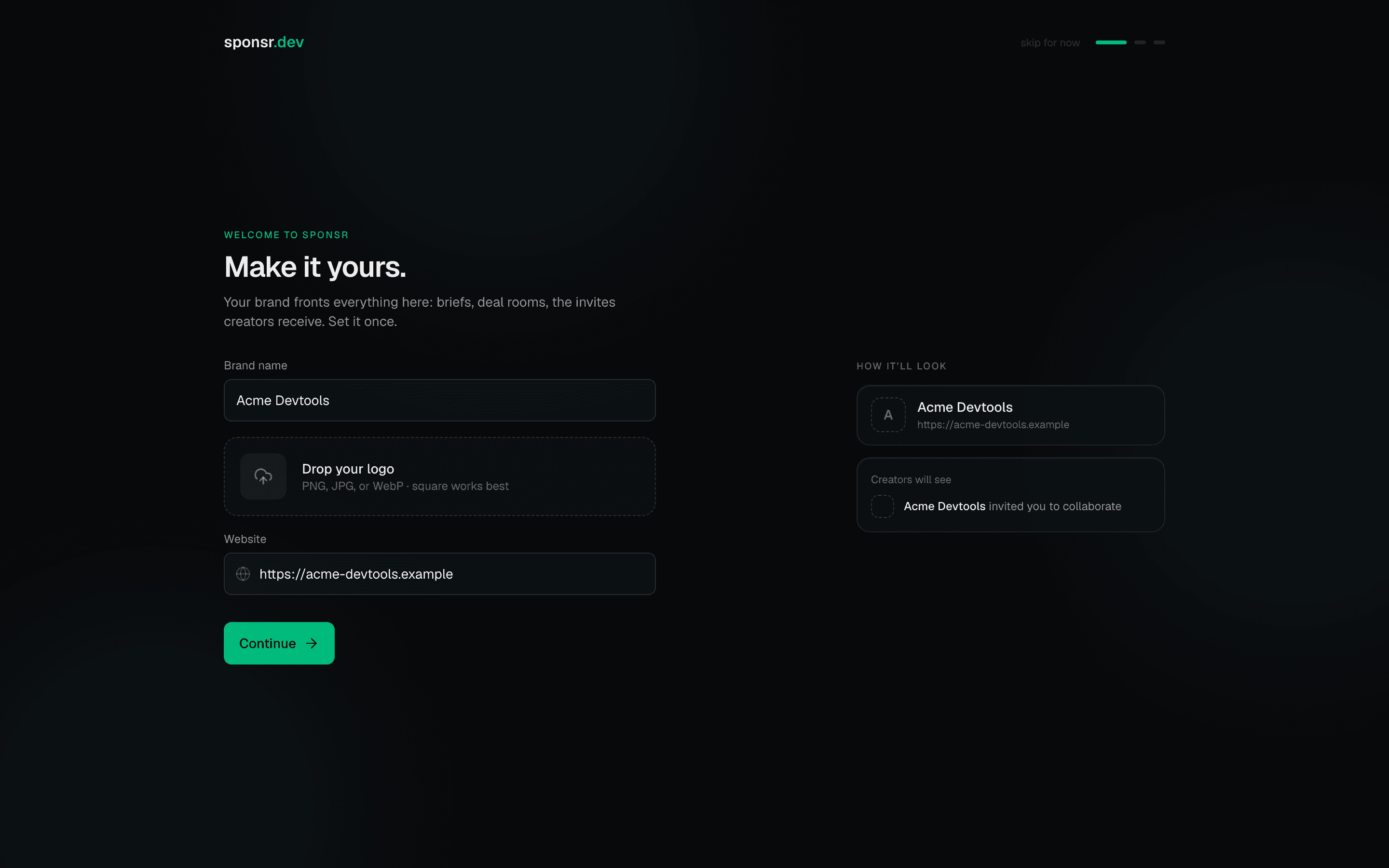
1Create your workspace
Sign up, name your organization, and tell sponsr what you sell and who you're for. Your brand fronts every brief, deal room, and invite creators receive, and your targeting powers the ranked catalog.
2Find your creators
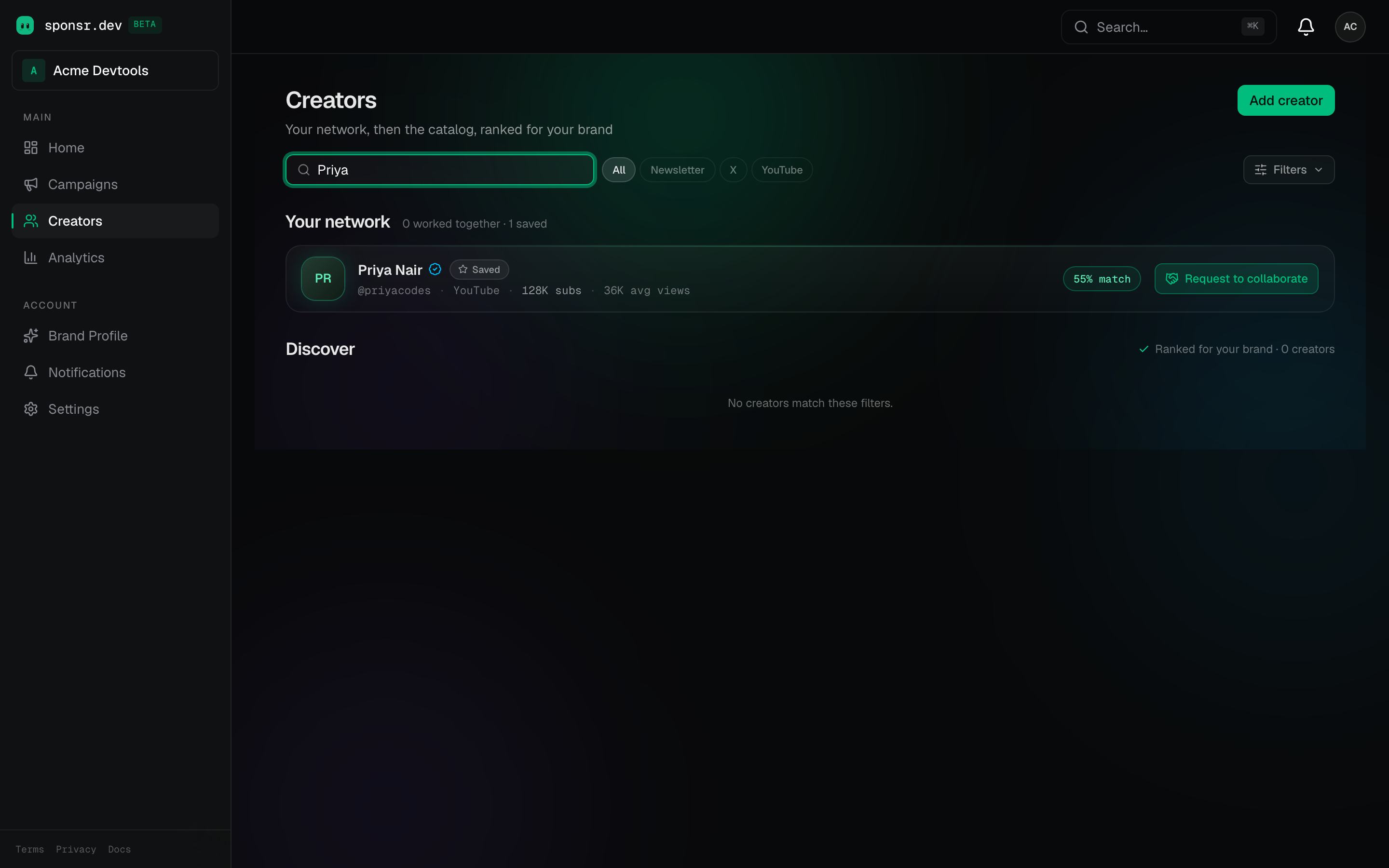
The catalog is ranked against your brand profile, with match scores, audience sizes, and the verified badge (identity checked by sponsr). Search, filter by platform, and invite from the row.
3Create a campaign
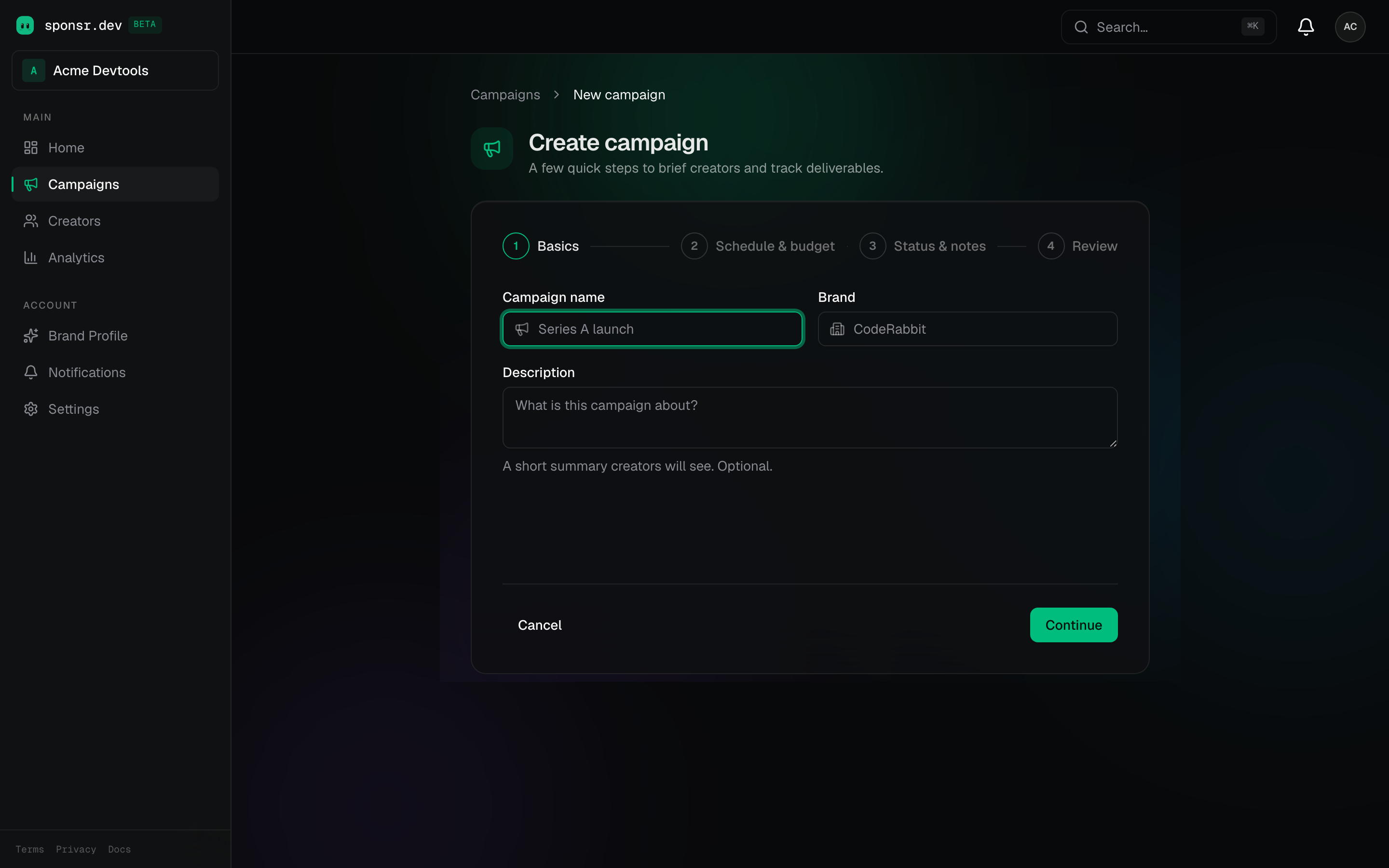
A campaign is the container your deals live in. Name it, set the schedule and budget if you have them, and every deliverable, brief, and tracked link you create rolls up to it.
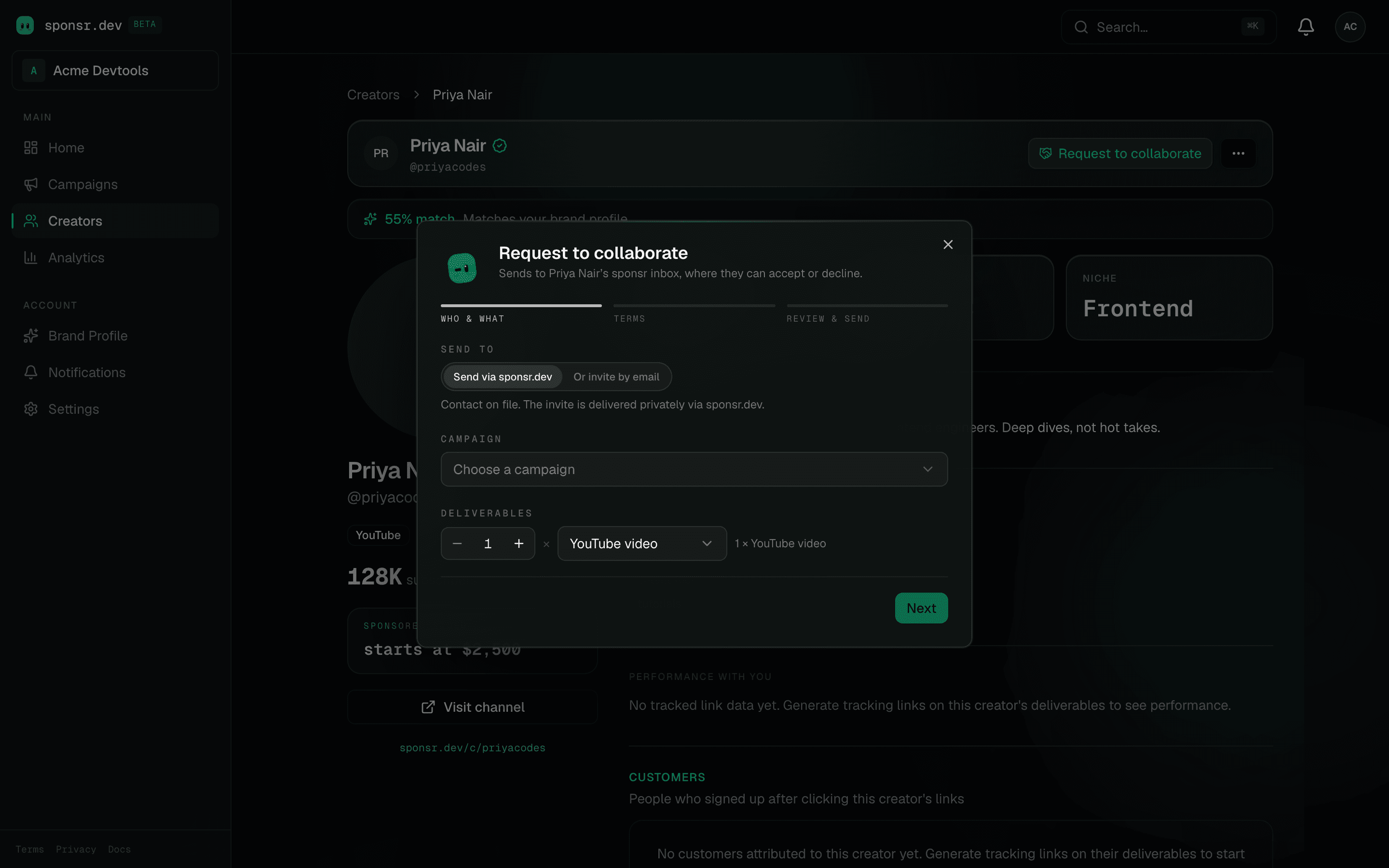
4Send a collaboration request
Three steps: who and what, terms, review. No budget haggling up front. The creator quotes their rate when they accept, and you negotiate the number where the deal lives.
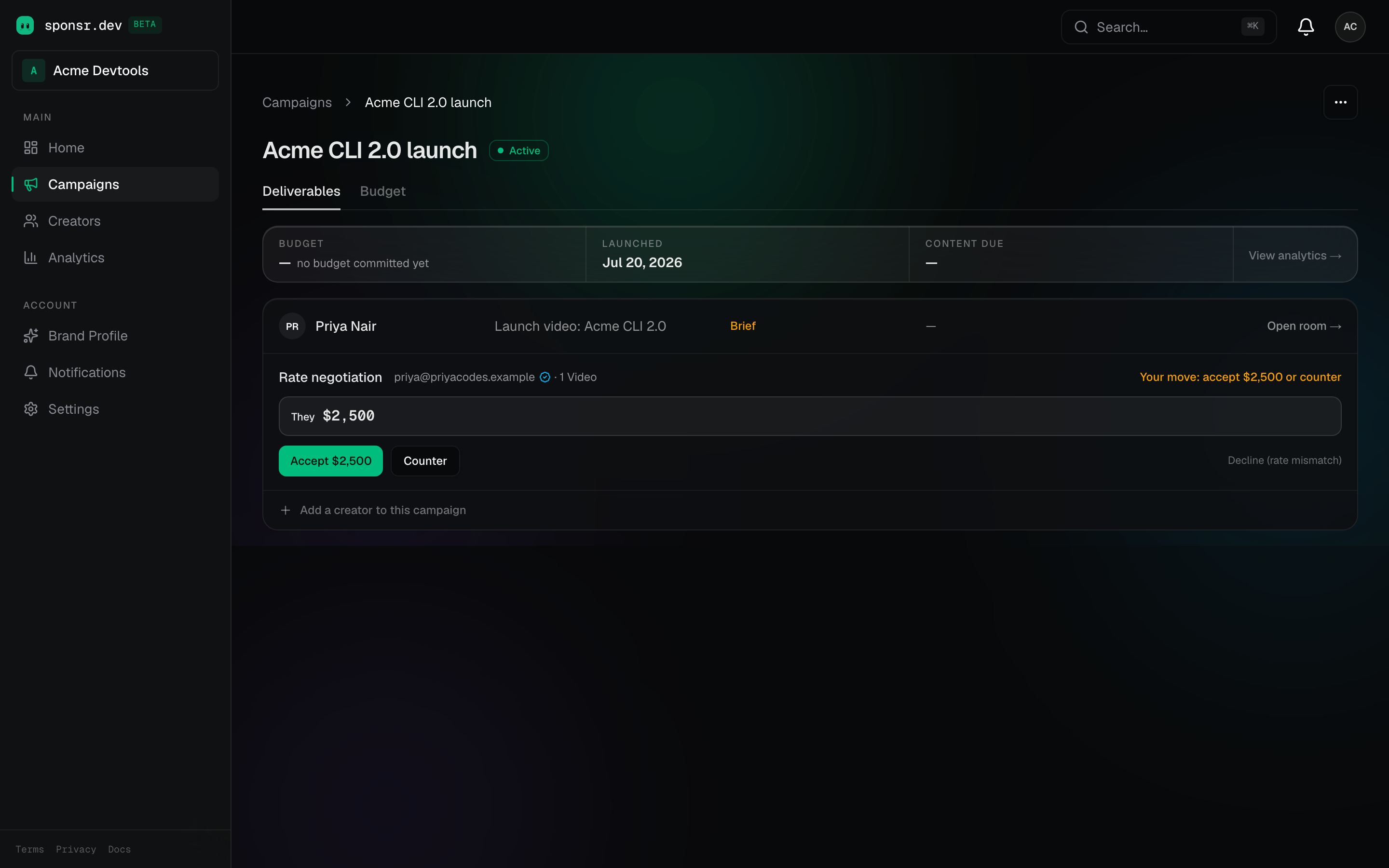
5Agree the rate
The creator's quote lands on your campaign with their note. Accept it, counter it, or decline; every move is recorded, and agreeing materializes the deal automatically.
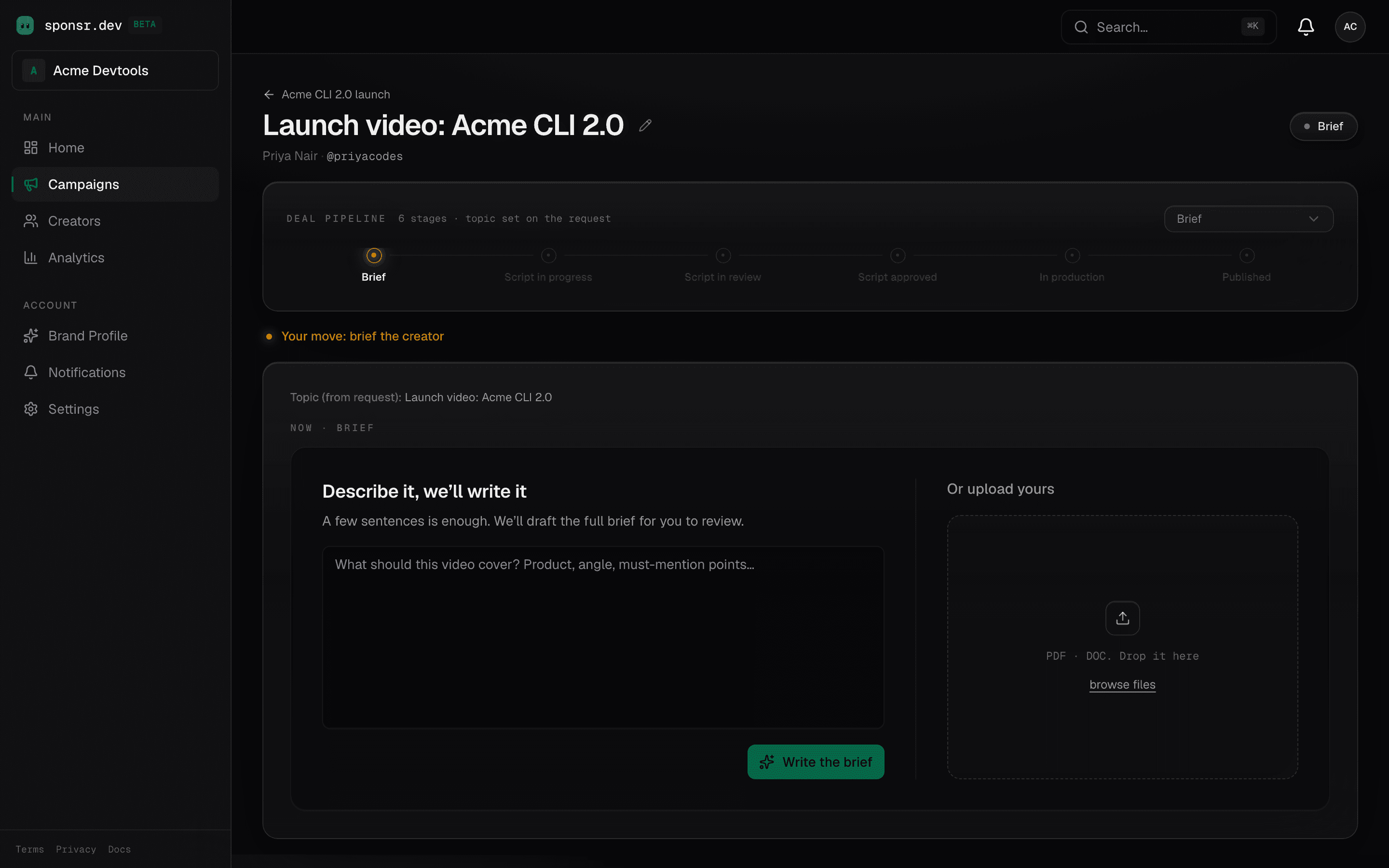
6Run the deal in the Room
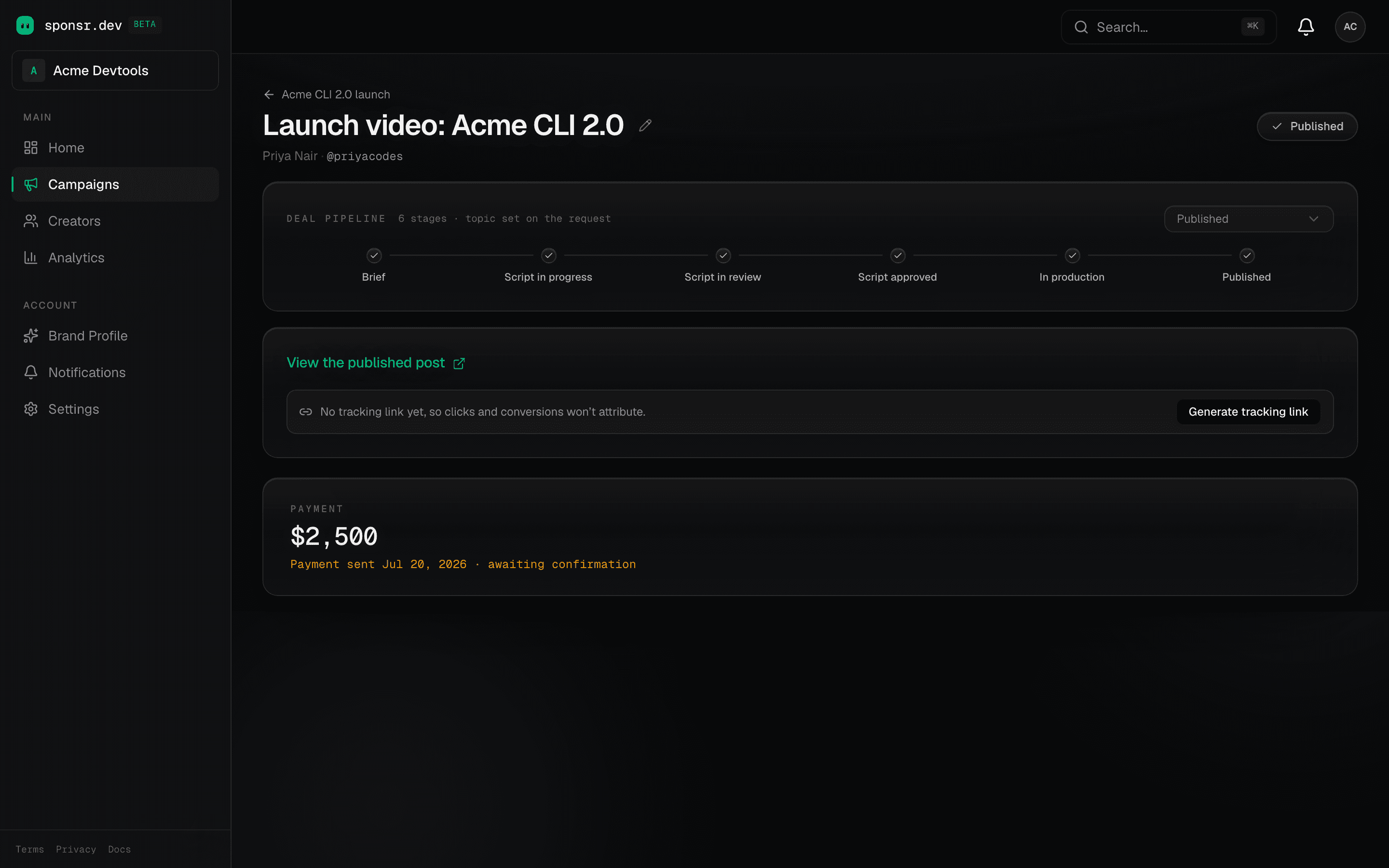
One room per deal, one chapter per stage: describe the brief and let the AI draft it (or upload your own; PDF and DOC preview inline), review the script, watch the preview cut, and approve the publish. Comments live inline at every step.
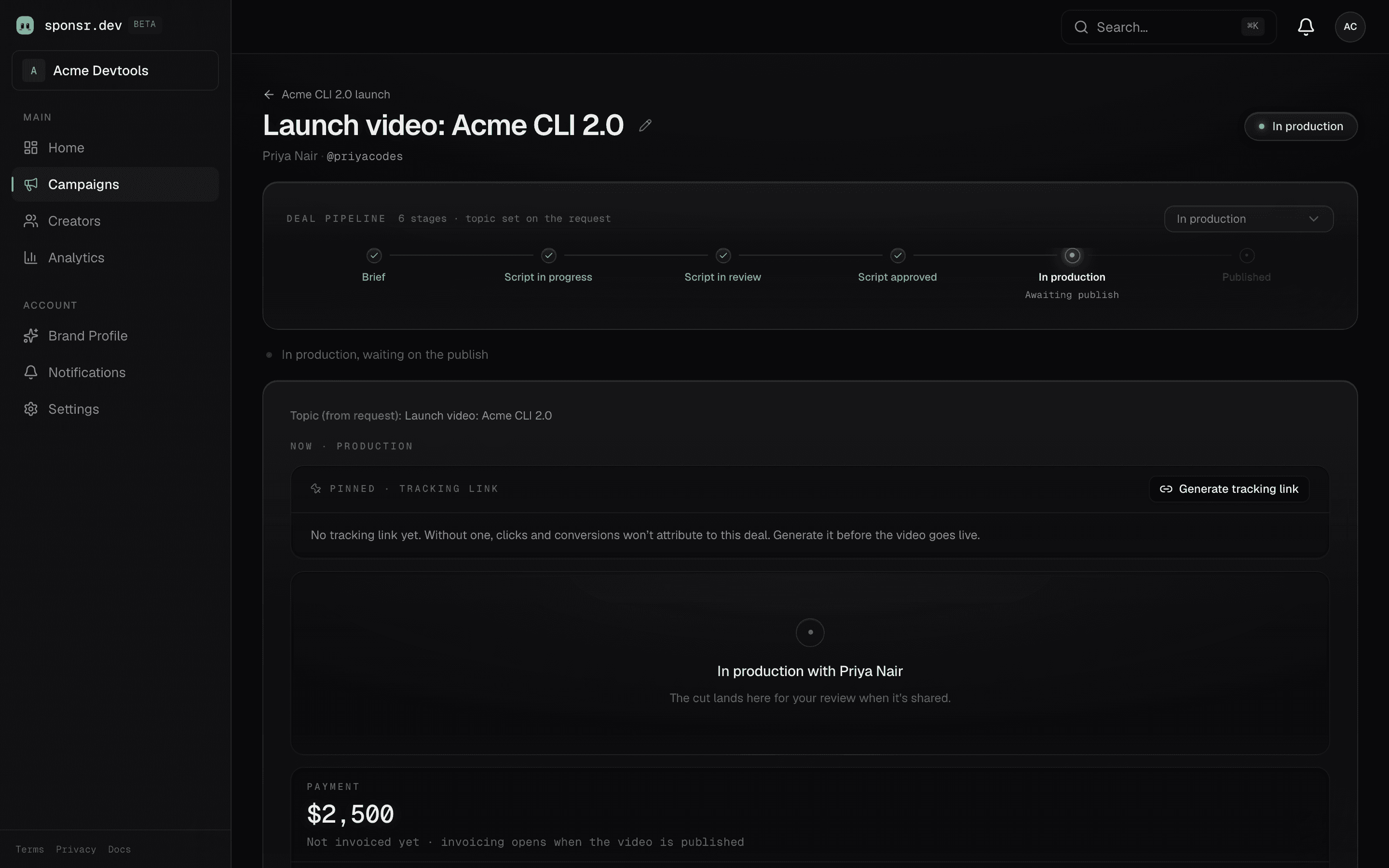
7Track the ROI
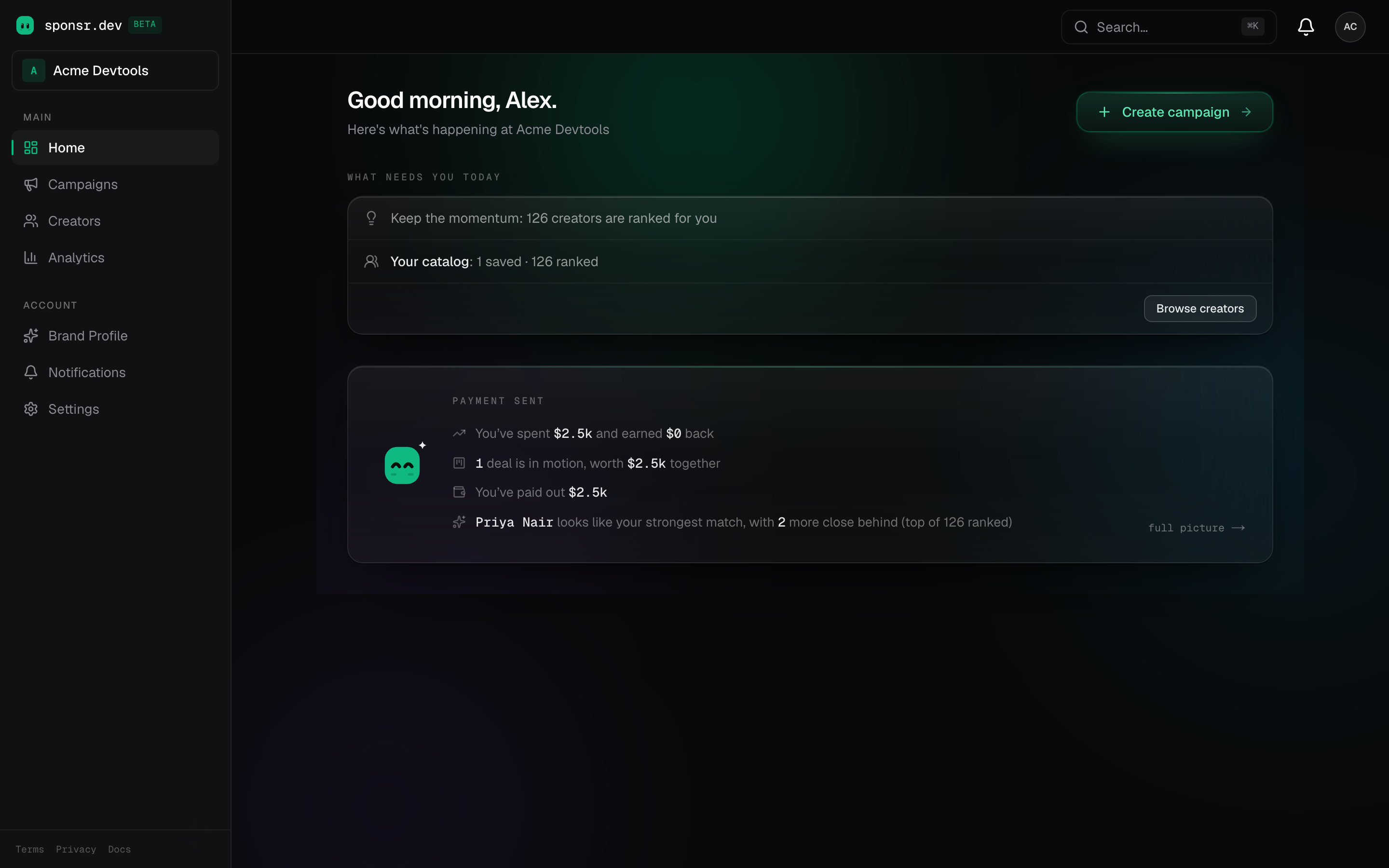
The tracked link attributes clicks, signups, and named customers to the deal, and your home pulse reads it back in plain words: spend against return, deals in motion, and your strongest next match.
8Close the money
Payment happens off-platform; sponsr keeps the record straight. The creator invoices, you mark it paid, they confirm receipt. Published performance sits right above the payment line, so the whole deal reads start to finish on one screen.
That's the loop. Every deal after the first starts at step four.